
Your money. Ready when you are.
Send, receive, pay and save — all from one app. SavaPay Wallet puts your money to work without the complexity.

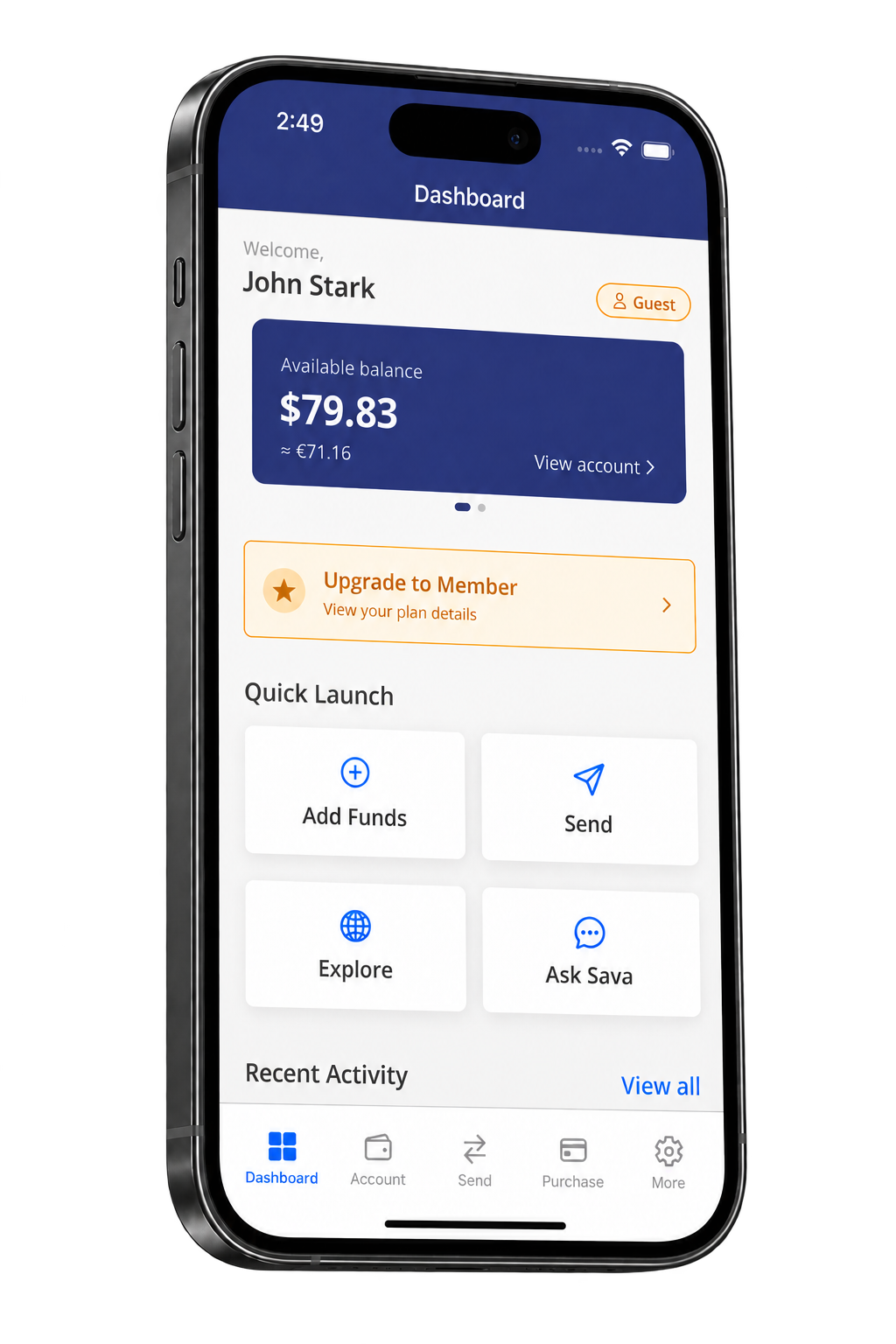
See what membership adds.
Send more often, send up to $500 at a time and withdraw up to $10,000 a month. Member also includes Zelle access where available and eligible access to Savings Boost.
| Feature or limit | GuestFree | Member$60 for one year |
|---|---|---|
| Wallet-to-Wallet sends per month | 3 per month | No monthly count cap |
| Maximum per Wallet-to-Wallet send | $49.99 | $500 |
| Maximum per withdrawal | $150 | $500 |
| Total withdrawals per month | $150 | $10,000 |
| Add and withdraw money with Zelle | Not included | Included where available |
| Savings Boost access | Not included for new access | Included, subject to eligibility |
Monthly allowances reset at the start of each calendar month (UTC). Send amounts exclude fees; applicable transaction fees are separate from membership. No monthly send-count cap does not mean unlimited amounts: per-send, daily, security and payment-method limits still apply. Availability, verification and account-specific limits may affect what you can do. Check Settings → Membership and your transaction quote for your current limits and fees.
Savings Boost requires eligibility, account setup and acceptance of its terms. Rates and availability may change. Existing paid Savings Boost access may remain available for its remaining term, including for Guests.
Ready for more room to move your money?
Already have Wallet? Open Settings → Membership to review your plan and become a Member. New to SavaPay? Download Wallet and complete account setup first.
Get SavaPay Wallet$60 buys one year of membership. It does not renew automatically. Review the offer in the app before paying.
What can I do with SavaPay Wallet?
Send & Receive
Move money between people.
Pay
Use your SavaPay balance for payments.
Save
Put money aside and grow your balance.
Track
See your activity from one place.
Your first steps with SavaPay Wallet.
Start with the essentials, then choose what fits your needs.
Get the Wallet app
Download SavaPay Wallet for your phone.
Follow the setup
Create your account and complete the checks requested in the app.
Choose your next step
Explore available ways to send, pay or save. Check eligibility and terms before you begin.
Get SavaPay today.
Scan the QR code with your phone camera to download.