
See SavaPay at checkout. Pay in SavaPay.
When a participating business offers Pay with SavaPay, open your SavaPay experience, review the payment and approve it before returning to the business.

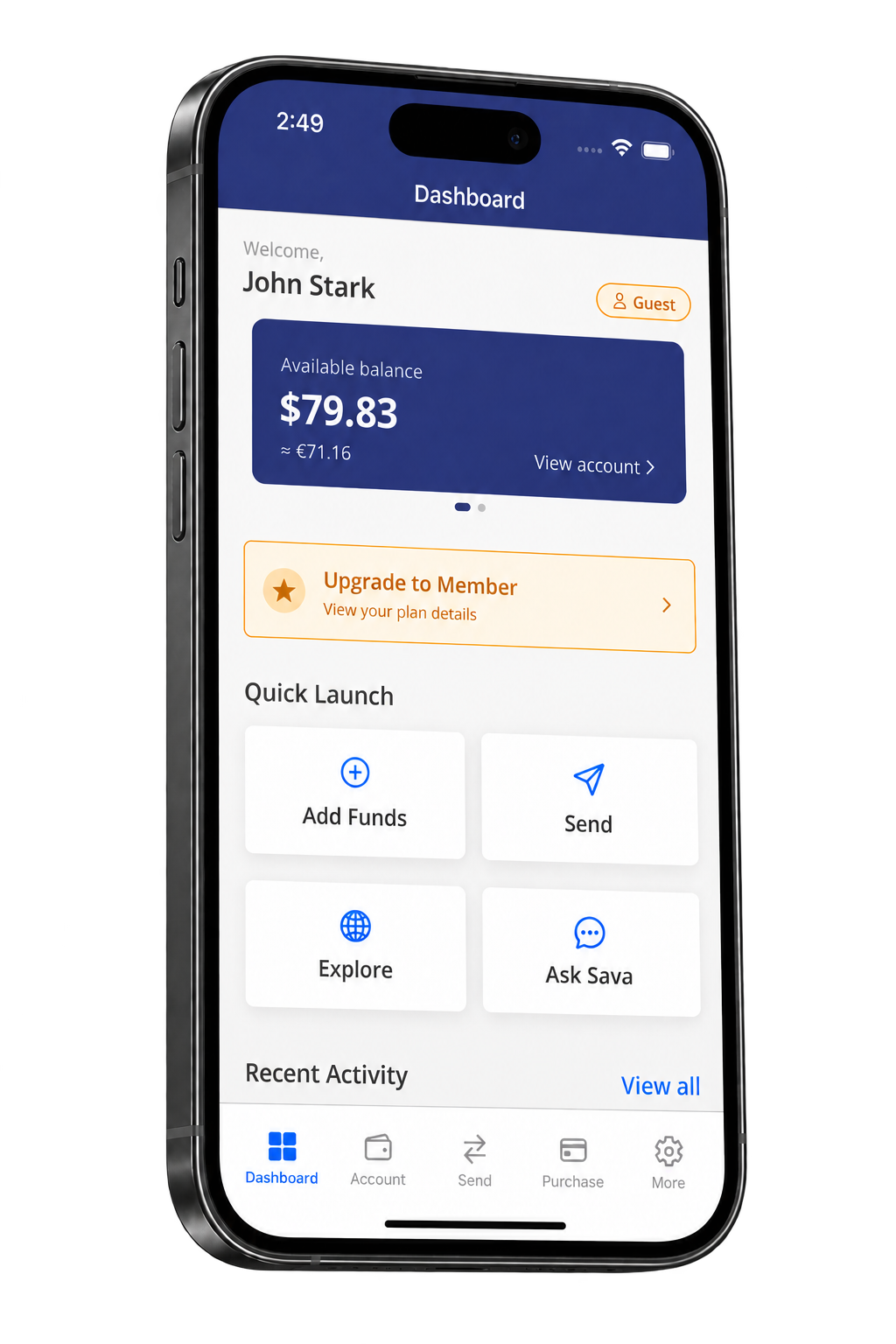
Wallet account overview. The exact payment screen appears when a supported merchant starts a request.
A checkout journey you can follow.
The merchant starts the checkout. You stay in control of the approval.
Choose SavaPay
Select Pay with SavaPay when the business offers it at checkout.
Review in SavaPay
Open SavaPay and check the payment details before approving.
Return to the business
Go back to the merchant to see the final checkout result.
More ways to put SavaPay to work.
Use the same SavaPay Wallet to manage the money moments that matter to you.
Pay
Approve supported merchant payments through SavaPay.
Send & receive
Move money between people from your Wallet.
Track activity
Review your SavaPay activity from one place.
Take SavaPay with you.
Download SavaPay Wallet to review and approve supported payments. Want to see the journey first? Preview the checkout experience.